Why cpp-tui
Drop cpptui.hpp into your source directory. Zero dependencies, no extra build steps.
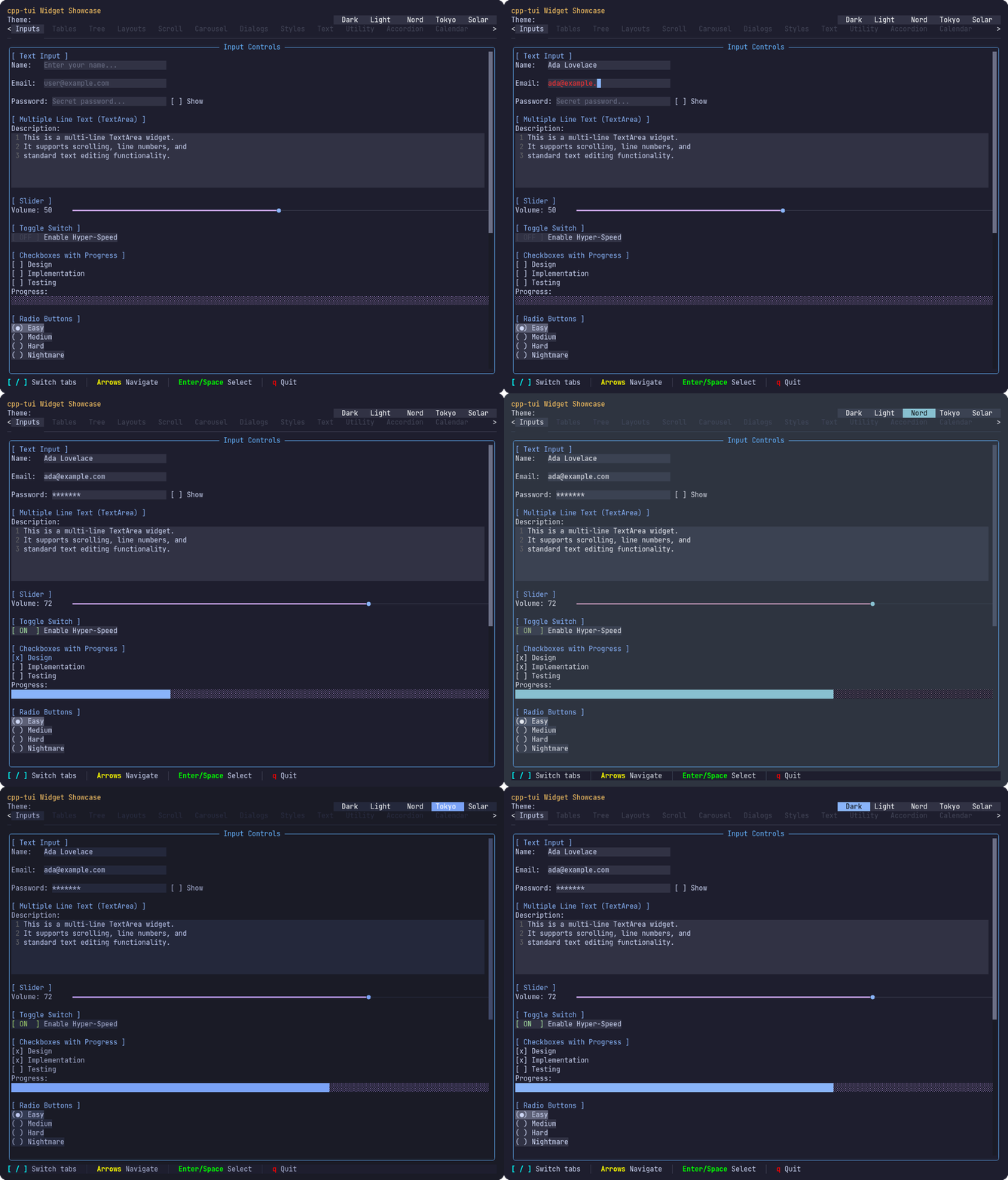
Form controls, editors, paginated tables, Braille charts, tree views, and modal dialogs.
Vertical, Horizontal, Grid, SplitPane, and auto-shrink sizing with multi-pass constraint clamping.
Includes Catppuccin Mocha, Latte, Nord, Tokyo Night, and Solarized Light with runtime switching.
Mouse tracking, scroll wheel, focus cycling, global shortcuts with modifiers, and cross-thread updates.
Built-in cell width calculation for multi-byte UTF-8, double-width CJK ideographs, and emoji.
Quick start
A complete program — a label, a button, and q to quit:
#include "cpptui.hpp"
using namespace cpptui;

int main() {
    App app;
    Theme::set_theme(Theme::Dark());

    auto root = std::make_shared<Vertical>();
    root->add(std::make_shared<Label>("Hello, cpp-tui!"));
    root->add(std::make_shared<Button>("Click me", []() {
        // Handle button click
    }));

    app.register_exit_key('q');
    app.run(root);
    return 0;
}
See it in action
Real output from two of the 18 bundled examples: a live system monitor and a spectrum analyzer.
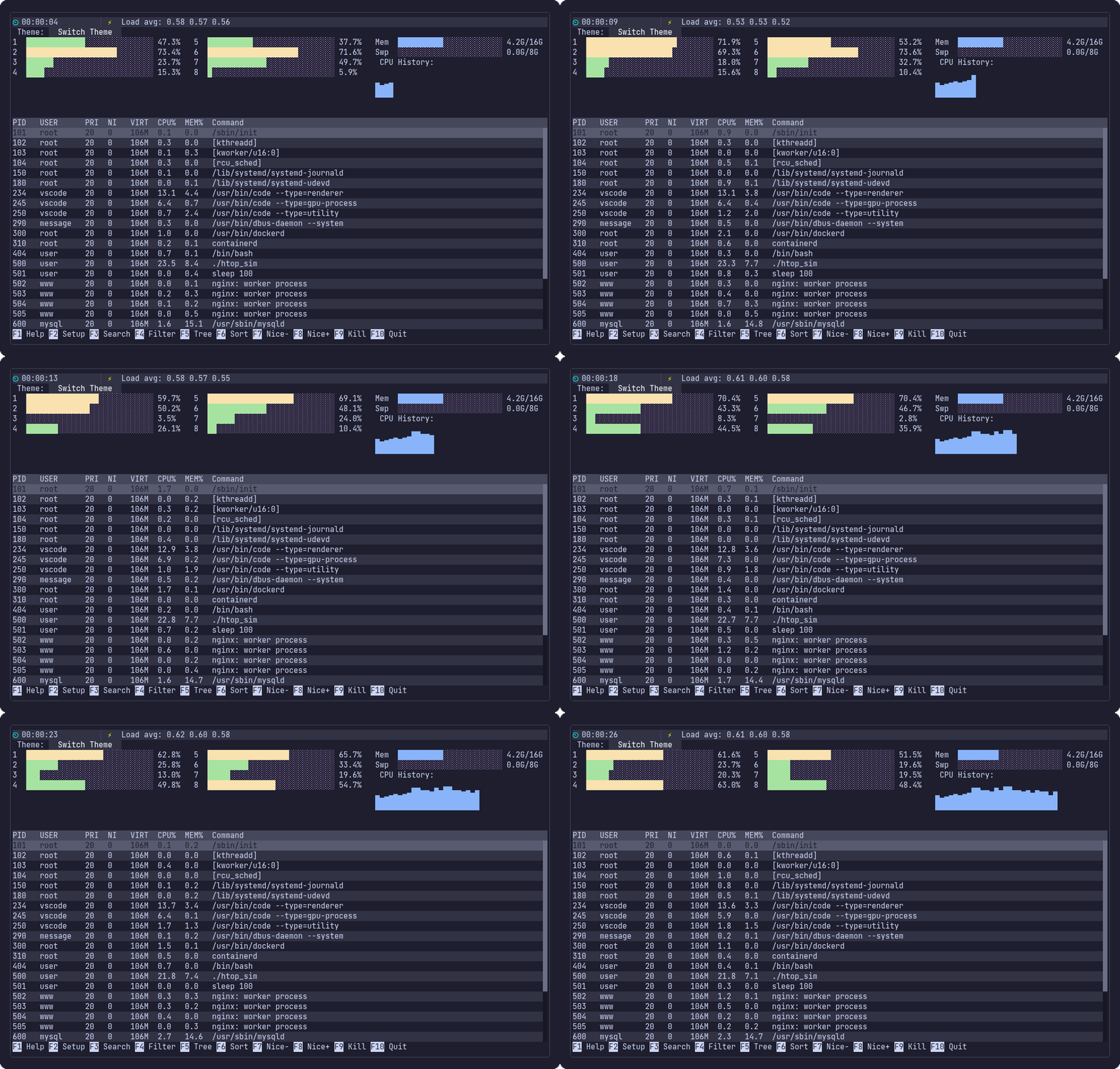
examples/htop_sim.cpp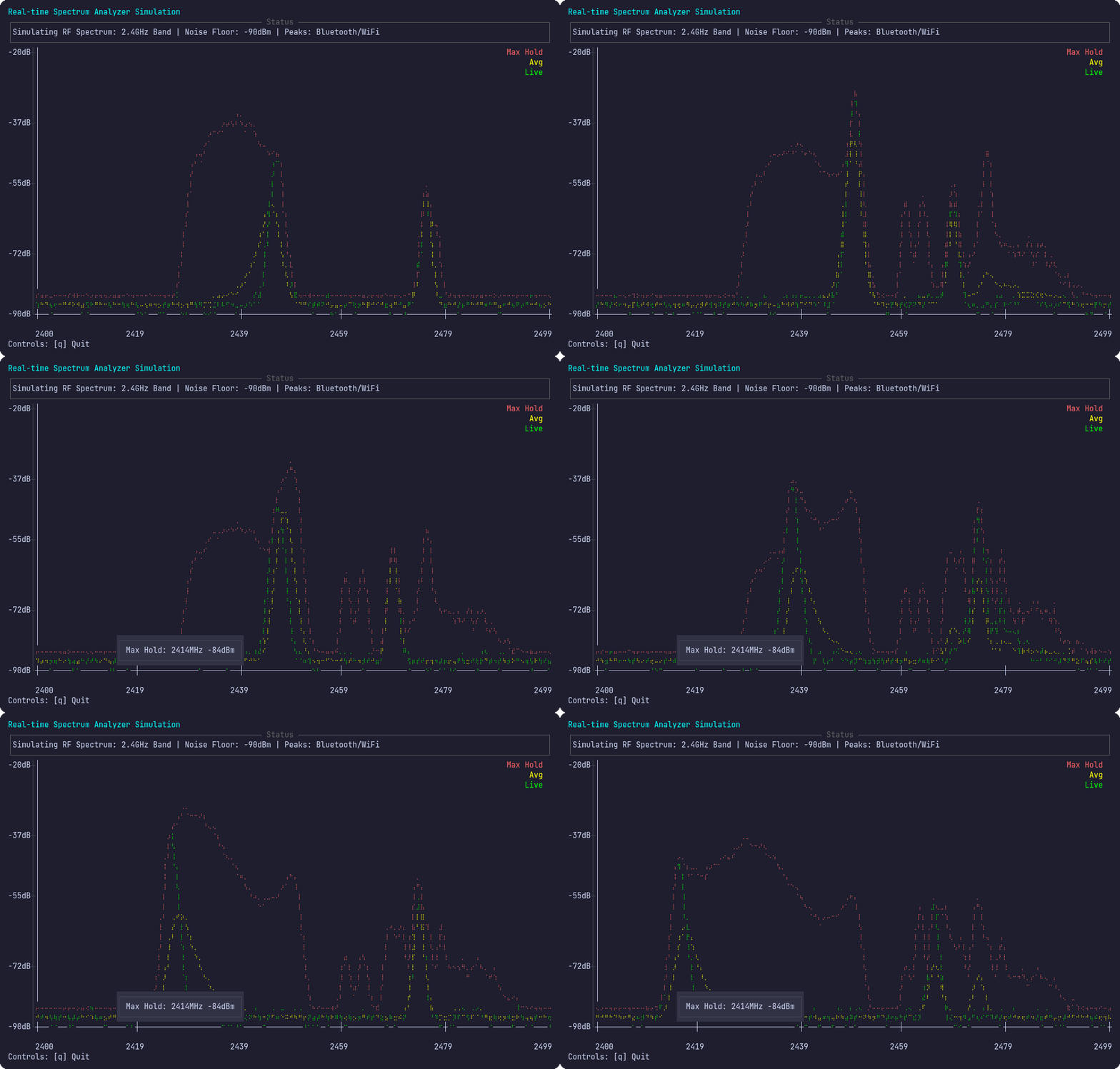
examples/spectrum_sim.cppExplore the docs
Getting Started
Install the single header, compile your first application, and explore CMake integration.
Core Concepts
Understand the App lifecycle, widget hierarchy, flex layout engine, themes, and threading.
API Reference
Complete documentation for all 50+ widgets, layout containers, charts, and helper utilities.
Troubleshooting
Diagnose common issues with wide characters, CJK fonts, mouse tracking, and ambiguous symbols.